
Your virtual labs, no internet needed.
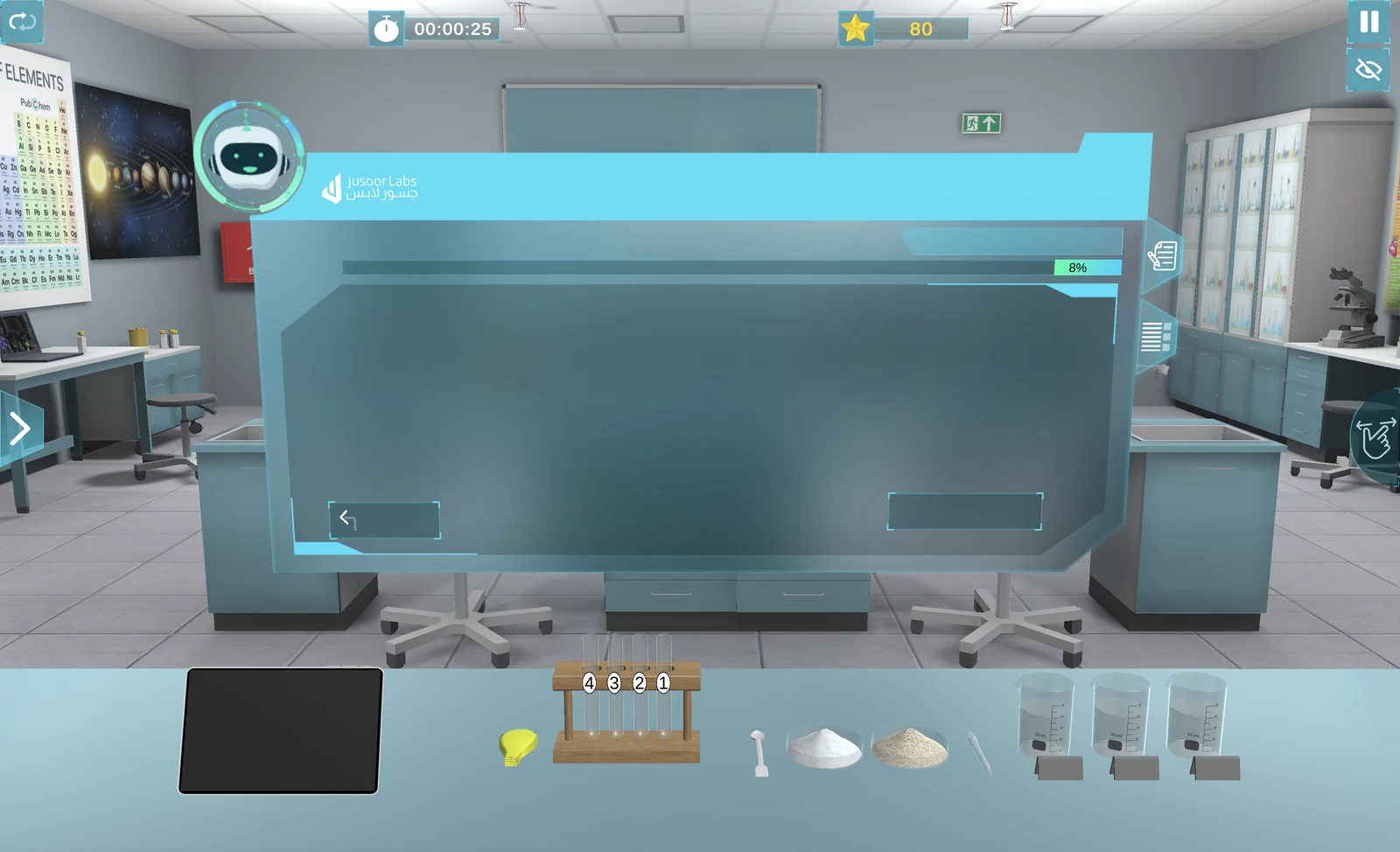
Welcome to Jusoor Labs Offline. Download the application for your device and enjoy accessing your virtual labs and experiments even without an internet connection.
Available for Windows, macOS, iPhone / iPad and Android.
Pick your device.
One app for every screen in your school. Download the version that matches your device.
Prefer the online version on your phone? Get the mobile app
-
Coming soon
Desktop
Windows
For Windows 7 to 11 desktops and laptops.
Coming soon -
Coming soon
Desktop
macOS
For MacBook, iMac and Mac desktops.
Coming soon -
Coming soon
Phone & tablet
iPhone / iPad
For iPhone and iPad running recent iOS or iPadOS.
Coming soon -
Coming soon
Phone & tablet
Android
For Android phones and tablets.
Coming soon
Up and running in three steps.
-
Choose your device
Find your operating system in the list above.
-
Click download
The installer is saved straight to your device.
-
Install Jusoor Labs Offline
Open the installer, follow the steps and launch your labs.
Offline access for subscribed schools
The Jusoor Labs Offline App is available exclusively to schools that have subscribed to the Jusoor Labs Offline Package. If your school has an active Offline subscription, you can download the application for your preferred device using the options above.
If your school does not currently have Offline access and you are interested in using Jusoor Labs without an internet connection, please contact the Jusoor Labs team to learn more about the available plans.